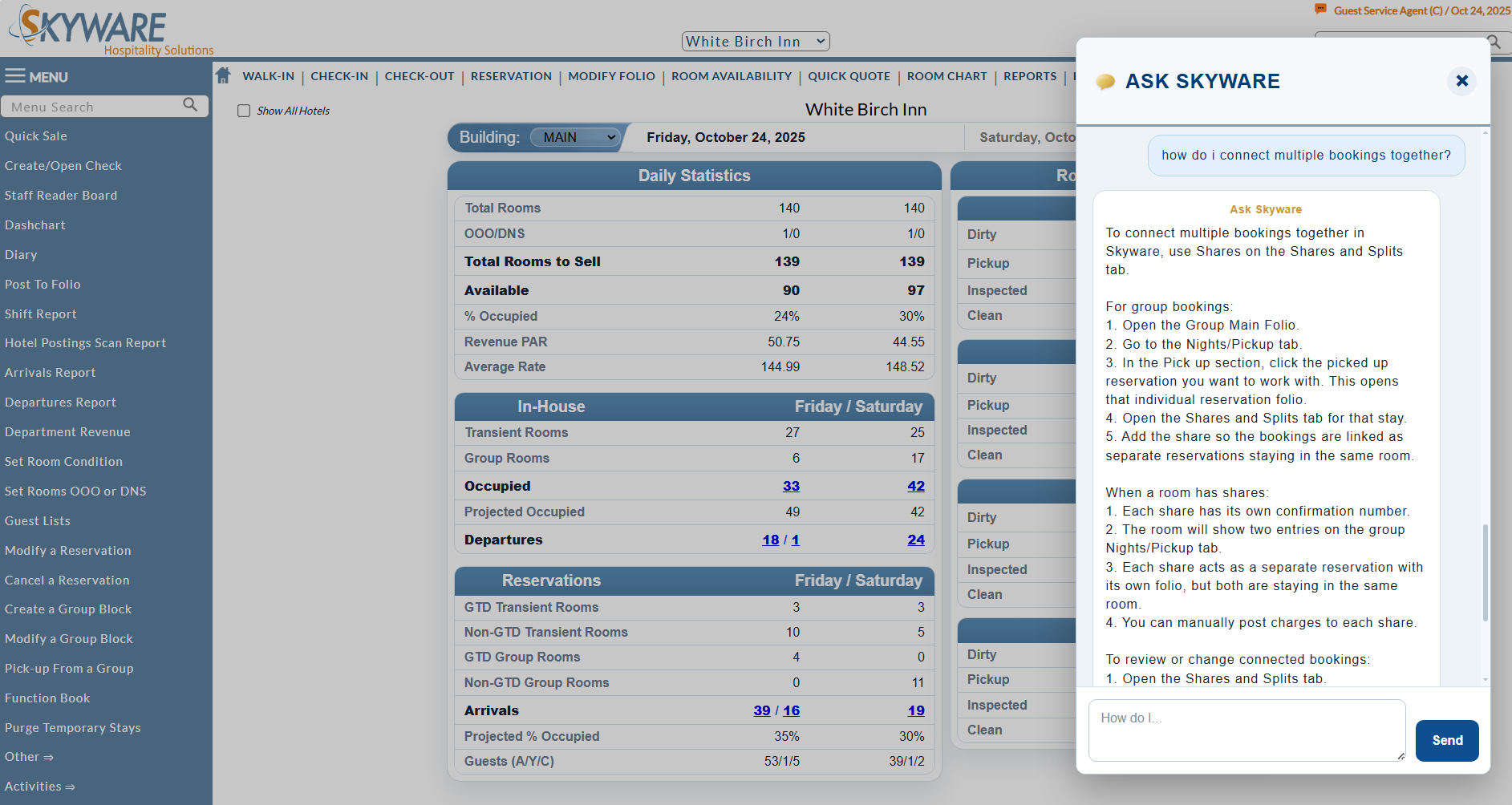
Ask Skyware is our latest tool built to assist you with any questions you have when using Skyware, powered by A.I. It is an automated response method displayed as a chat messaging system, searching the Help File in response to direct input from Skyware Users. Any Skyware User may utilize it, and it has been added to the Action Bar, shown on every screen. It is straightforward to use. Simply click on the Ask Skyware icon in the Action Bar, and it will open. Type in your question, and Ask Skyware will do its best to answer.
Note: Ask Skyware is supplementary to and does not replace any support already offered with Skyware. You may still call us at 877-759-9329 (SKY-WEB9), or email us at Support@SkywareSystems.com with any questions, any time.
 Using Ask Skyware:
Open the Ask Skyware chat window by clicking on the icon in the Action Bar.

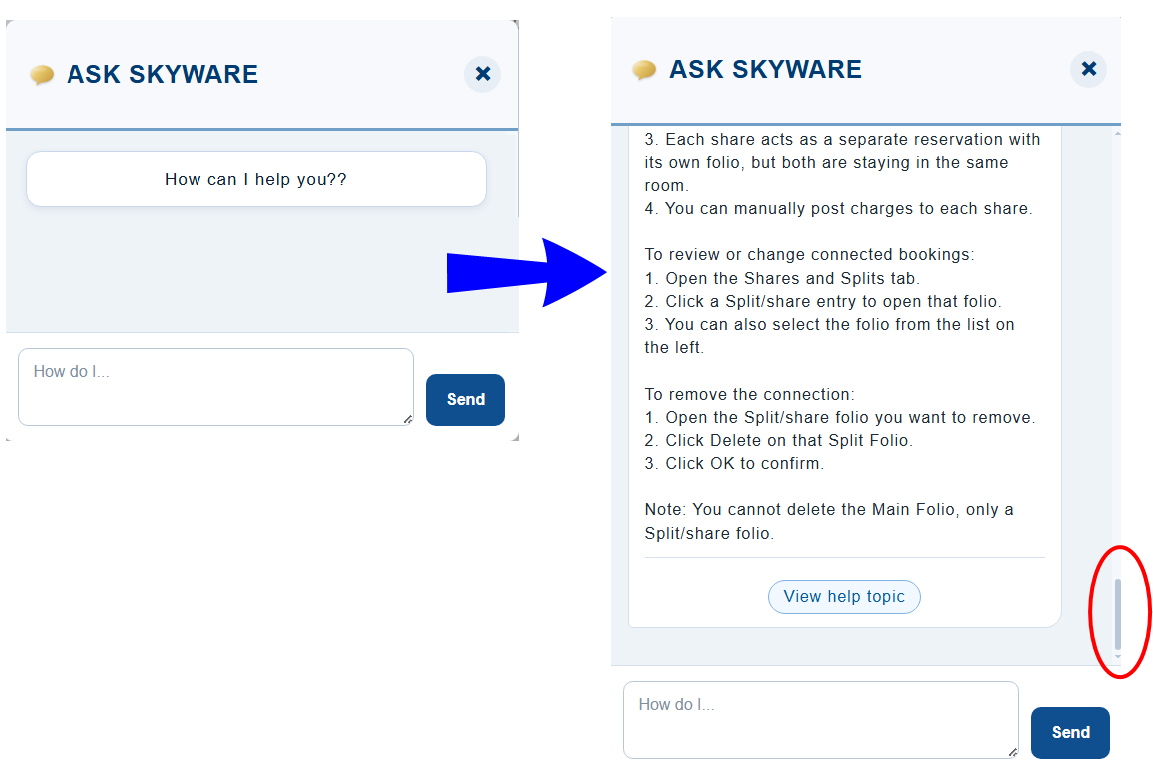
When selected the Ask Skyware chat screen will pop up as a new window over the top of the current Skyware screen, ready for you to enter your question.
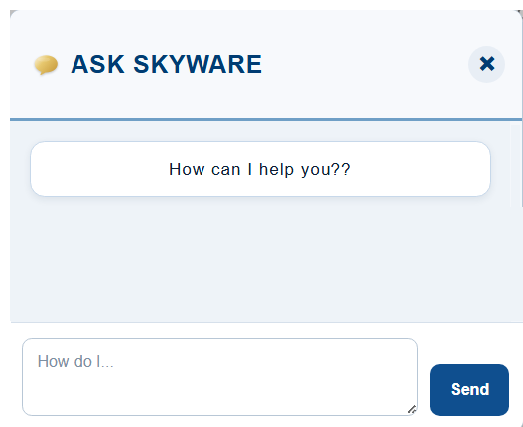
Type your question into the entry field at the bottom of the window (shown with "How do I...", then click "Send".
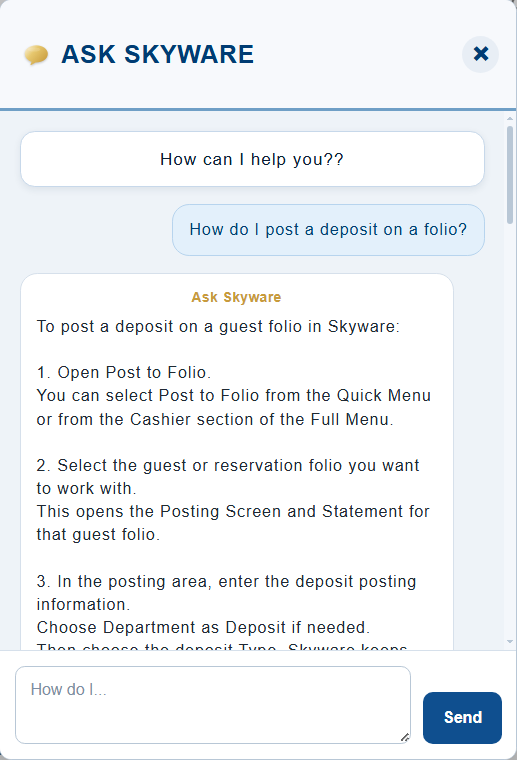
Your question will pop up on the chat screen, then Ask Skyware will search the Help topic files and collate the information found into a concise summary for you to read, below your question. This information is taken from the entire Help File and therefore, depending on the question, may normally be found divided amongst different topics, but will appear here grouped into one cohesive response. You may need to scroll down to read the whole response.
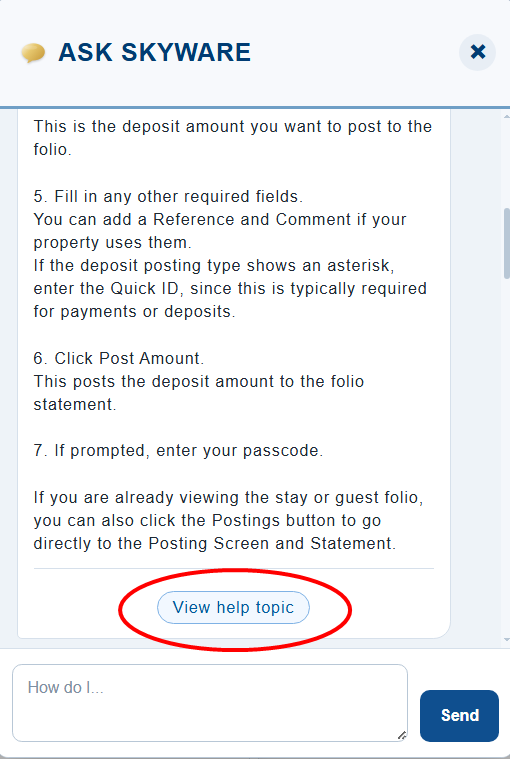
As part of the reply from Ask Skyware, the most relevant Help File topic to the question will also be available as a link at the bottom of the chat message. Click the button , and the Help File will open IN A NEW TAB, showing the Help Topic.
Note: The FIRST time you use Ask Skyware, the chat field will be empty. Subsequently, all questions and responses will be remembered, with the response to the last question asked being visible on the chat screen when next Ask Skyware is opened. This means the questions and answers may be scrolled through subsequently, if you wish to find a previously asked question and the reply, rather than needing to ask again.
Need More Assistance:
Ask Skyware uses the Help File for its information source. Not every question may yet have a sufficient answer in the Help File. If this is the case, Ask Skyware will actually tell you this. It may be that re-phrasing your question allows you to get a more satisfactory answer. Or it may be that Ask Skyware cannot give you the answer you require.
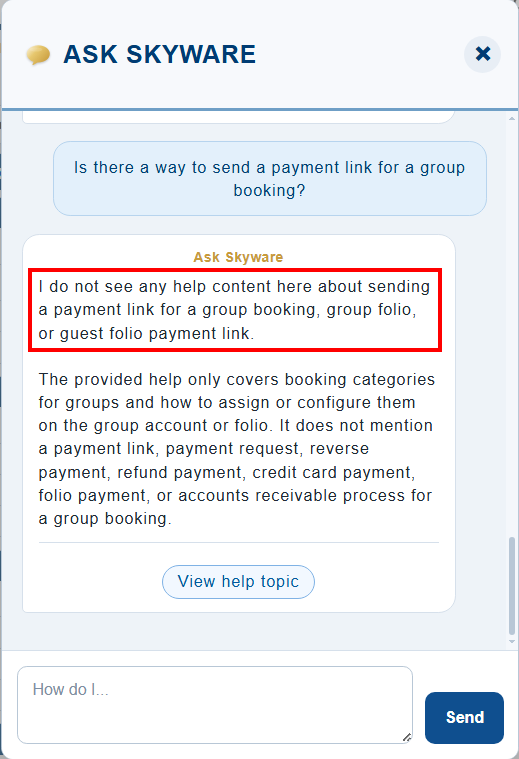
This does not mean that you cannot get help with your question. Ask Skyware is an automated response system only, and is merely one aspect of the support offered with Skyware. It does mean that you will need to contact Skyware directly, by phone or via email, to have your question addressed.
Contacting Skyware for Support: Skyware offers both telephone support for any immediate real-time live technical service and operational support questions, and email support, for answering your more in-depth questions or needs that do not require immediate action. Email queries will be responded to within 24 hours.
Call us at 877-759-9329 (SKY-WEB9), or email us at Support@SkywareSystems.com with any questions, any time.
Note: Regular support hours are 7:00 a.m. until 10:00 p.m. Eastern time Monday through Friday, and 8.00 a.m. until 8.00 p.m. Saturday and Sunday. After hours telephone support is available, but requires a pin number. See Get Support for more details.
Date Updated July 27, 2026